What is Nano Banana 2?
Nano Banana 2 is the nickname for Gemini 3.1 Flash Image, an image generation and editing model from Google DeepMind announced on February 26, 2026. Google describes it as bringing the world knowledge, quality and reasoning of Nano Banana Pro to Flash speed.
Google highlights advanced world knowledge, precise text rendering and translation, and subject consistency among its features. The original Nano Banana became widely known for keeping the same person or character recognizable across edits, and Nano Banana 2 continues that strength at a much faster pace.
In KOORI it was the quickest picture model we tested, at roughly 13 seconds per image. That speed makes it ideal for trying several directions before you commit.
What Nano Banana 2 is good at
Here is where Nano Banana 2 stands out, based on the maker's own documentation and on what we saw while testing it inside KOORI.
- Speed:
- The fastest picture model in KOORI, so four takes arrive quickly.
- Subject consistency:
- Keeps a character recognizable across outfits, poses and scenes.
- Playful edits:
- Great for swapping outfits, seasons or settings around the same character.
- Text in images:
- Google highlights accurate, legible text for posters and cards.
Using Nano Banana 2 for characters and fandoms
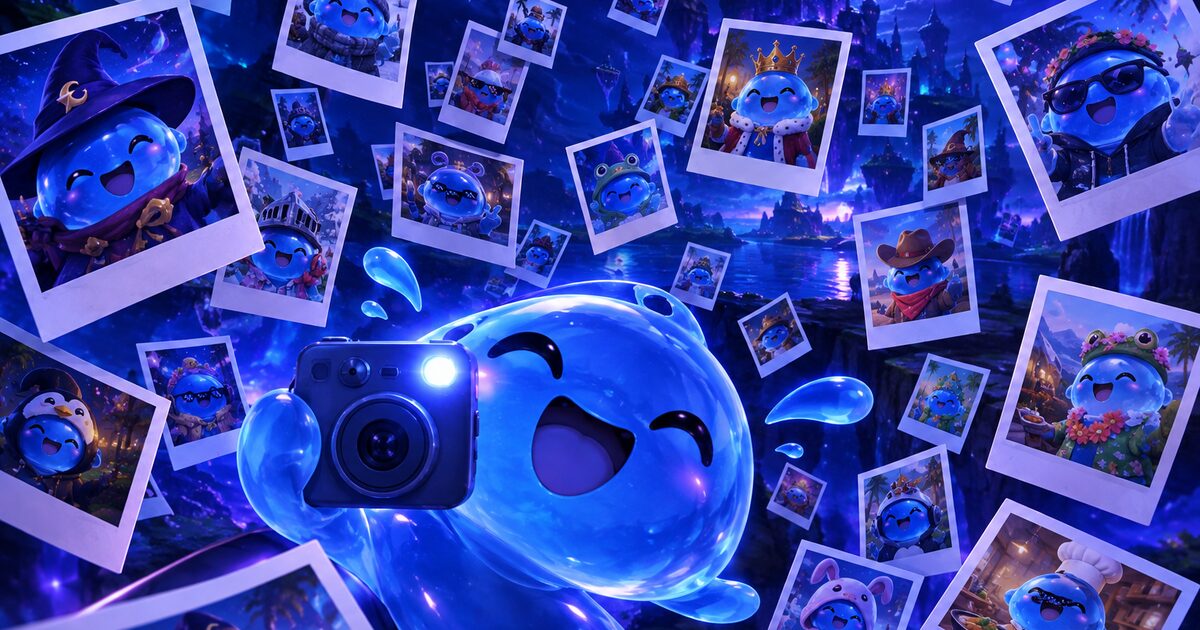
Fandoms run on variations: the character in a winter coat, at the beach, in a festival costume, as a tiny figurine. Nano Banana 2 is made for that kind of playful iteration because it keeps your character recognizable while changing everything around them, and it does it fast enough to keep the fun going.
Try it when you are still discovering who your character is. Generate a round, change the outfit or the mood, generate again. Within a few minutes you will know which look feels right, and you can keep that one as the portrait that defines your character in chat and Reels.
Blub, a cheerful teal slime with big sparkly eyes and a tiny paper crown, trying on a cozy knitted sweater in a warm bedroom full of fairy lights, posing proudly for a photo.
How to use Nano Banana 2 in KOORI
You can try Nano Banana 2 without setting up anything technical. KOORI handles the connection, the prompt formatting and the character references, so you can focus on the story.
The difference between trying Nano Banana 2 on its own and trying it in KOORI is what happens after the picture. Your portrait becomes a character with a voice, a personality and a home world that you can talk to right away. The same picture is later used as a reference for World scenes and Reels, so one good image keeps paying off as your story grows.
From idea to character portrait
- Step 1: Describe your character. Start the character creator and write a short idea: who they are, the world they live in and one habit or contradiction that makes them interesting.
- Step 2: Choose an art style. Pick 3D, anime, illustrated or another style. The style shapes the prompt the model receives, so the same idea can look very different.
- Step 3: Select Nano Banana 2 as the picture model. Open the Picture model menu. Each option lists what it is good at and how long it usually takes, and your choice is remembered for next time.
- Step 4: Compare four takes. KOORI asks for four pictures at once. Tap any of them to see it full screen at its real size before choosing.
- Step 5: Use it, or make four new ones. Keep the picture that fits best, or switch models and try again. Your chosen portrait becomes the reference for later scenes and Reels.
- Step 6: Chat, then add World pictures. Talk with your new character, then create extra scene pictures in their World with the same model menu.
Tips for better results with Nano Banana 2
Use speed to your advantage. Make a round, change one detail, make another. Small steps reveal what the character really needs.
When a look is right, switch to a more detailed model like Nano Banana Pro for the final portrait if you want extra richness.
The model you choose is the one KOORI asks first. If that provider is briefly unavailable, KOORI may fall back to another picture model so you still get your four takes; safety rejections are never sent to a different model.
Nano Banana 2 or another model?
Every model has a personality of its own. Nano Banana 2 is one of several picture models available in KOORI, and the right choice depends on whether you care most about speed, price or detail for a given scene. Compare them side by side with the same character to find your favorite.
Nano Banana 2 FAQ
Is Nano Banana 2 the same as Gemini 3.1 Flash Image?
Yes. Nano Banana 2 is Google’s name for the Gemini 3.1 Flash Image model.
How fast is Nano Banana 2 in KOORI?
About 13 seconds per picture in our November 2026 tests, the fastest of the picture models we offer.
Nano Banana 2 or Nano Banana Pro?
Nano Banana 2 is faster; Nano Banana Pro aims for the richest detail. Many creators explore with 2 and finish with Pro.
Can I switch models for the same character?
Yes. You can make four pictures with one model, then switch and make four more. Many creators use a fast model to explore and a detailed one for the final portrait.
Sources and further reading
Nano Banana 2 is a product of Google DeepMind. KOORI is not affiliated with or endorsed by Google DeepMind. Model availability, prices and speeds can change; check the current app before relying on a specific detail.
More from KOORI Journal