AI Avatar Profile Photo Creator
Your next profile picture. Upload a photo or create a new look.
Create an anime, 3D, illustrated or realistic AI avatar from a description or your own photo. Try one square profile picture free, then sign in for a clean download.
Build my profile pageCharacter ideas to explore
- An anime explorer with silver hair
- A friendly 3D forest creature
- A realistic portrait with a clean studio background
The avatar creator needs JavaScript. One free guest attempt per device identity; sign in for a clean download. Link in Bio is optional.
Create a profile photo that still feels like you
A profile picture is often the first thing people recognize about an account. It does not need to look like a passport photo, and it does not need an elaborate fictional biography. An AI avatar can represent your interests through a rendering style, a small accessory or a setting while keeping the face clear. Start with a short description of the person or original character you want to show. Choose anime, illustrated, stylized 3D or realistic art, then generate one square image. The preview is actual generated artwork, not an example thumbnail. Inspect it before choosing it as your public identity.
Upload your own photo or use it as a reference
If you already have a picture you like, Upload photo lets you choose it directly without generating anything. If you want a different visual treatment, Add reference attaches a photo to your written description. That image supplies the identity; your prompt can ask for a new outfit, expression or style. Use a clear picture with the full face visible, rather than a tiny screenshot or an extreme crop. Upload only your own work or photos you have permission to use. Avoid sensitive documents, private contact details and pictures of people who have not agreed to this use. AI transformations can change details, so likeness is not guaranteed.
Choose the right avatar style for your profile
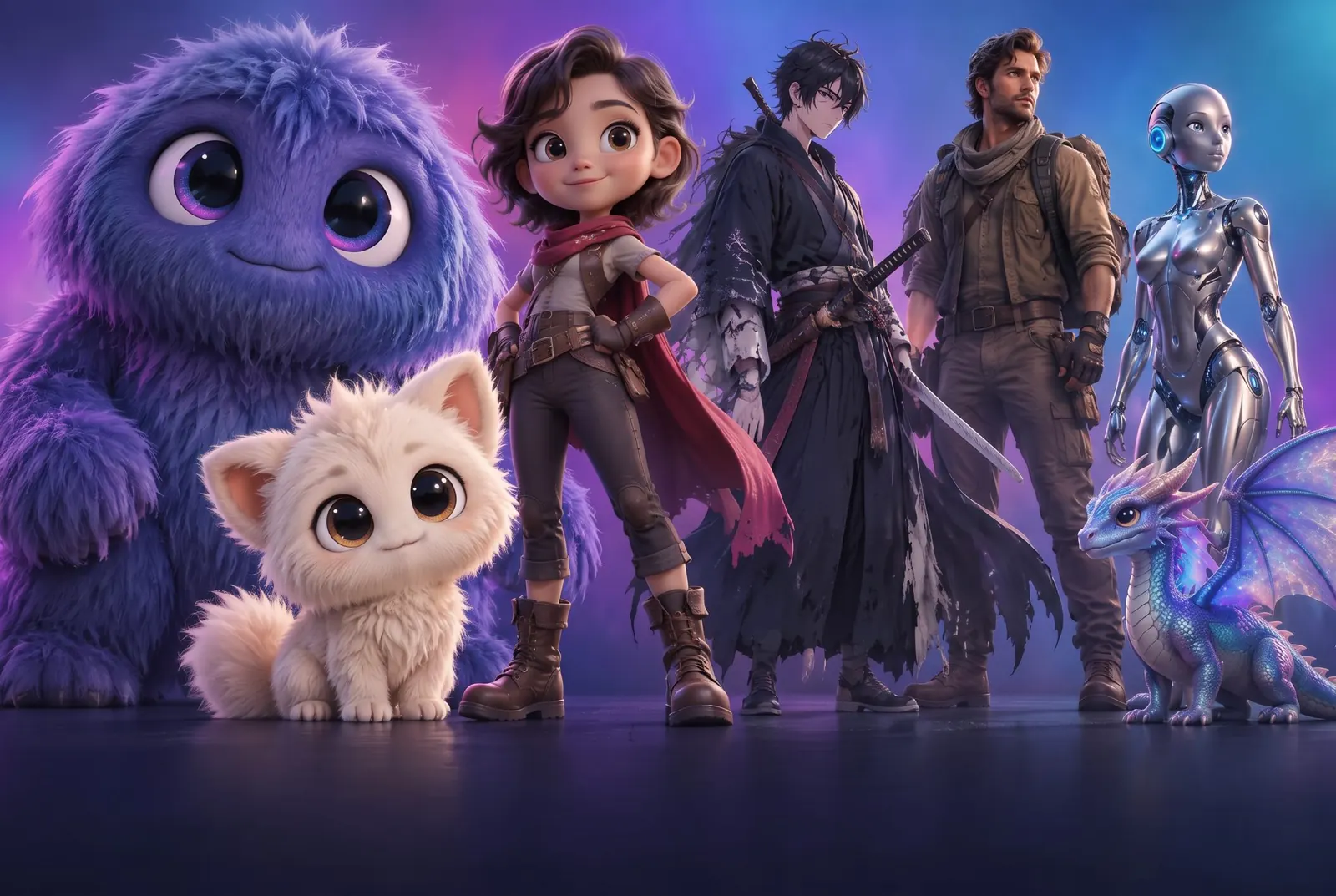
Anime emphasizes expressive eyes, readable silhouettes and drawn detail. Illustrated art works well for an original character or a more graphic personal identity. Stylized 3D gives the subject a dimensional, sculpted appearance without needing to look photographic. Realistic portraits aim for natural materials, facial detail and lighting. None is automatically the best choice: choose a style that matches the page you are building. The four thumbnails show examples of those styles, not predicted results for your face. Keep your description consistent when comparing looks. Signed-in generation uses your existing image allowance or coins; selecting a style by itself does not start a paid request.
Write a short prompt with useful visual details
Describe the subject first, then add two or three details that matter. “A silver-haired explorer, simple navy jacket, soft studio light” is more useful than a long list of unrelated effects. If you are using your photo, describe the change rather than inventing a different face. A clean background keeps attention on the subject. Ask for a visible expression such as a relaxed smile or a thoughtful look instead of an abstract personality diagnosis. The tool requests a centered face with the full head visible and room for a circular crop. It returns one square image, not a character sheet, conversation, video or collection of four options.
A square image that works in a circular avatar
Most social profiles show a square upload inside a circle. Important details near the corners may disappear, and a forehead pressed against the top edge can look awkward after cropping. This creator uses a 1:1 image and asks for breathing room around the head. Check the hair, ears and any defining accessories before saving. Keep elaborate backgrounds and written slogans out of a small profile picture: they quickly become unreadable on a phone. You can use a richer scene as separate page artwork later. The original picture remains square, while KOORI profile previews display the selected picture in a circle.
One free preview, then sign in to keep creating
Guests can use one free avatar attempt per device identity, subject to the existing network safeguards. This is not proof of one human across every browser or device. The attempt is reserved before generation to prevent simultaneous tabs from creating multiple free pictures. A guest download includes the KOORI logo. Sign in to download the recovered picture without that logo or continue creating with your account allowance. Signing in does not require buying Link in Bio. Keep the same browser through sign-in so the local picture draft can be restored. If device storage is unavailable, keep the page open and use the available download rather than assuming the picture will survive navigation.
Use your avatar on a KOORI profile or Link in Bio
The same compact creator is available during KOORI identity setup and Link in Bio picture selection. Choosing a picture does not immediately overwrite an existing account: review the identity and save when ready. A Link in Bio page gives the portrait a place beside your username, bio and chosen social links. It is an optional separate product, not a requirement for a watermark-free avatar download. Link in Bio costs $3.99 per month and is included with Creator Pro, MAX and Studio; Fan members can purchase it separately. Trial eligibility and renewal terms are shown during setup. You can also stay in the wider KOORI experience to explore characters, pictures and named World collections.
Privacy, permissions and responsible avatar creation
KOORI applies its existing image safety checks to the description and attached reference before generation. Guests and unknown ages use teen mode; account age classification stays protected. KOORI is for ages 13 and above, with higher minimums in some countries. Safety checks reduce risk but do not guarantee every image is suitable, so review the output before making it public. An avatar is artwork, not identity verification. Do not use it to impersonate a real person, falsely imply an endorsement or hide the origin of misleading content. Uploading a picture and generating a picture are distinct actions: direct upload reuses your photo, while reference generation asks AI to create new pixels.
Questions about ai avatar profile photo creator
Can I make an avatar from my photo?
Yes. Add reference attaches your own permitted photo to the prompt; Upload photo uses it directly without generation.
How many images are generated?
One square profile picture per request. Guests get one free attempt per device identity, subject to network limits.
Do I need a paid plan to remove the logo?
No. Sign in to download your recovered avatar without the KOORI logo. Additional generation uses your account allowance or coins.
Does this create a chat character?
No. It creates a profile picture only. KOORI’s separate character creator can build a conversational character.